PixMixAI
Product Photo Elevation
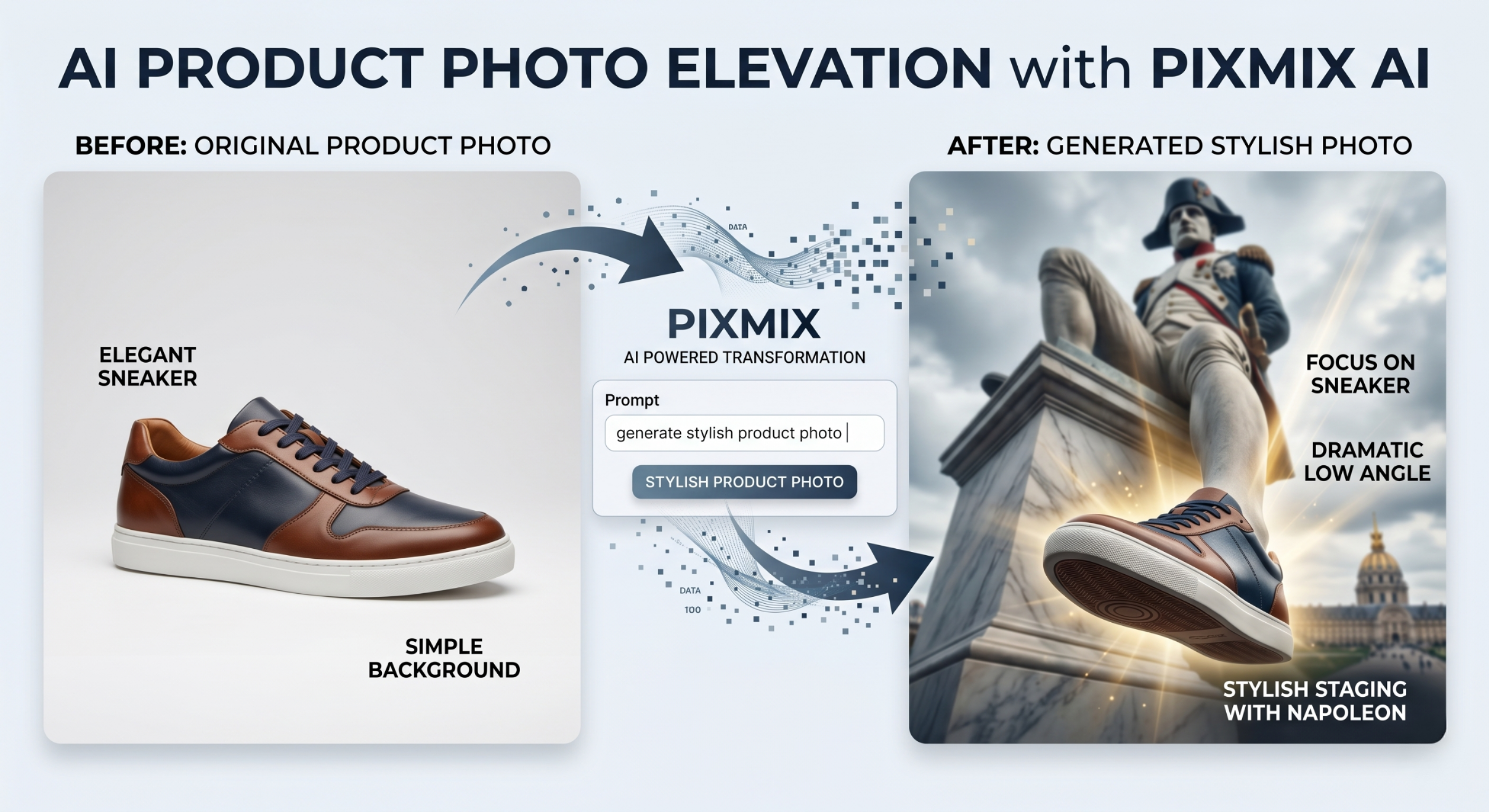
Upgrade Simple Product Shots Into Hero Visuals
Start with a basic product photo and generate premium campaign-style visuals with professional staging and lighting.
Professional Creator Workflow
Follow the guided steps in the PixMixAI workstation: choose a mode, write or enhance your prompt, select Fast or Pro generation, then render and save your image to the gallery.
Prompt example
"Create a stylish product hero shot with dramatic low-angle composition, premium lighting and cinematic environment."